Agent inside the editor
Ask for a change. CodingMa opens the files, applies the change, and shows a diff for you to review.
Coding Machine
CodingMa is a desktop code editor. The AI agent inside reads your project, edits files, and searches across your working folders. Everything runs on your own computer.

Product
CodingMa opens the relevant files, proposes changes, then shows a diff before anything is saved. Search runs on your computer, and you can switch models anytime.
Ask for a change. CodingMa opens the files, applies the change, and shows a diff for you to review.
File search runs on your computer. Your project is not uploaded as an embedding index.
Pick a model from the catalog. Provider API keys stay on the CodingMa server.


Description

CodingMa is a desktop code editor (IDE) that runs on your own computer. Inside it there is an AI agent that can read projects, edit files, and search across the whole workspace.
CodingMa is developed and published by PT. Rytech Digital Industry, a software company focused on developer tools. The service is available as a monthly subscription.
Guide
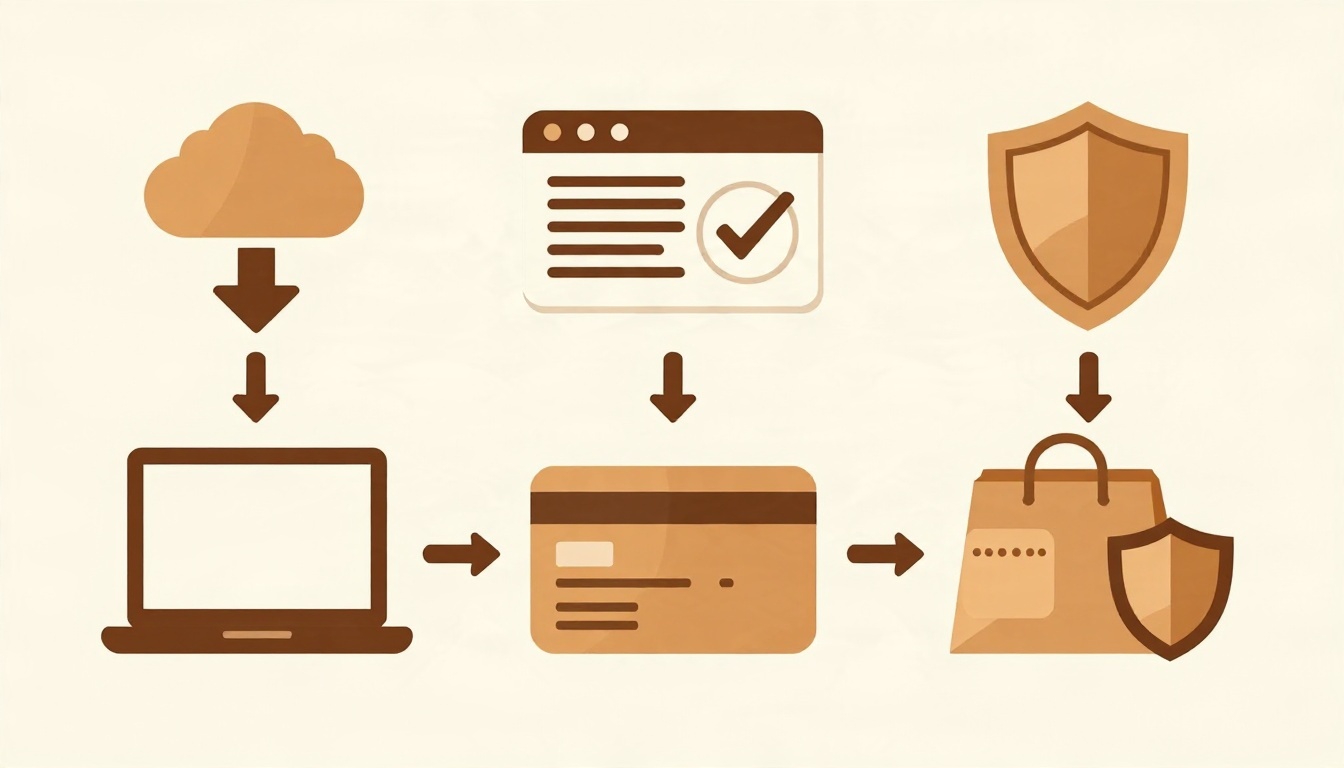
Open the Download page and pick the package for your operating system. For the desktop app, use the Download CodingMa button. Run the downloaded file and follow the setup instructions. Once installed, open the CodingMa app.
Register on the Create account page (use a Gmail address), then sign in from the desktop app with the same account.
Pick a plan in the Pricing section, then complete the payment. Payments are processed by Duitku and support bank transfer, e-wallet, or QRIS.
Need help? Contact Contact or email admin@codingma.com.
Pricing
Prices in US Dollar (USD), billed monthly.
$5 / month
$20 / month
$30 / month